
Best Apps for Lone Worker Safety: Simple Tools to Keep You Safe
- Alisha Jade
- Apr 25
- 3 min read
When you’re out there on your own, whether at work, running errands, or just going about your day, having a way to quickly call for help can make all the difference. I know how important it is to feel safe without having to deal with complicated gadgets or confusing technology. That’s why I want to share some of the best apps for lone worker safety that are easy to use, reliable, and designed to give you peace of mind.
These apps are perfect if you want a quick, simple way to alert the people who care about you most. Whether you’re elderly, a carer, a student, a traveler, or just someone who wants that extra layer of security, these tools can help you stay connected and protected.
Why You Need Apps for Lone Worker Safety
Being alone doesn’t have to mean being vulnerable. Sometimes, it’s just part of the job or your lifestyle. But having a safety net is smart. These apps are designed to help you:
Send an alert quickly if you’re in trouble
Share your location with trusted contacts
Check in regularly so others know you’re okay
Get help without making a phone call if that’s not possible
The best part? You don’t need to be tech-savvy to use them. They’re made to be straightforward and dependable.
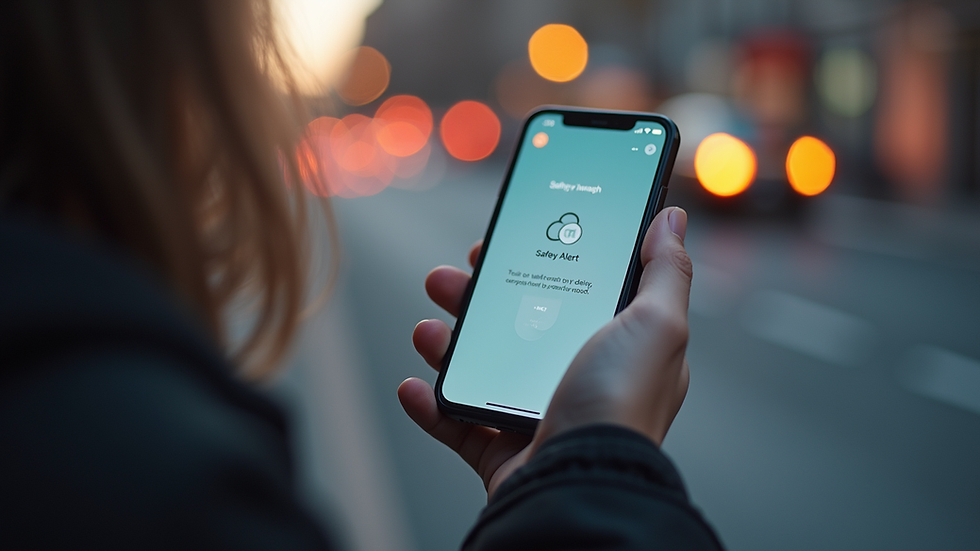
What to Look for in Apps for Lone Worker Safety
Not all safety apps are created equal. When choosing one, here are some things to keep in mind:
Ease of use: You want an app that’s simple to set up and operate, especially in an emergency.
Reliable alerts: The app should send notifications instantly to your chosen contacts.
Location sharing: Real-time GPS tracking helps your contacts find you quickly if needed.
No complicated equipment: The app should work on your phone without extra devices.
Privacy and control: You should decide who gets your alerts and when.
Battery efficiency: The app shouldn’t drain your phone’s battery too fast.
For example, some apps let you press a single button to send an SOS message with your location. Others offer automatic check-ins or fall detection. Think about what fits your daily routine best.
How My SOS Family Supports Your Safety
At My SOS Family, we understand how important it is to feel safe without fuss. Our service is designed to make it quick and simple to alert the people who care about you most. You don’t need a call center or special equipment. Just your phone and a few taps.
We focus on helping families, elderly people, lone workers, carers, and small teams stay connected. Our goal is to give you peace of mind, knowing help is just a button away.
If you want to explore a lone worker safety app that’s easy to use and trusted by many, My SOS Family is here for you.

Tips for Using Safety Apps Effectively
Having the app is just the first step. Here are some practical tips to get the most out of your safety app:
Set up your emergency contacts carefully. Choose people who will respond quickly and know what to do.
Test the app regularly. Make sure alerts go through and your contacts know how to respond.
Keep your phone charged. A dead battery won’t help in an emergency.
Use location sharing wisely. Turn it on when you’re alone or in unfamiliar places.
Practice using the app. Get comfortable with how it works so you can act fast if needed.
Update your app and phone software. This keeps everything running smoothly and securely.
Remember, the goal is to make safety simple and natural, not stressful.
Staying Safe Without Complicated Technology
Not everyone wants or needs a complicated system. Sometimes, the best safety tool is the one you can use without thinking twice. That’s why apps like My SOS Family focus on simplicity and reliability.
You don’t have to be a tech expert to protect yourself or your loved ones. With just a few taps, you can send an alert, share your location, and get help fast. It’s about making safety accessible to everyone, no matter your age or situation.
If you want to feel safer every day, consider trying a lone worker safety app that puts you in control and connects you with the people who care.
I hope this helps you find the right safety app for your needs. Remember, feeling safe is a basic right, and with the right tools, it’s easier than ever to stay protected. If you ever want to talk more about how to stay safe or need advice on using these apps, I’m here for you. Stay safe and take care!


