How Lone Worker Mobile Solutions Keep You Secure
When you’re out there on your own, whether at work, running errands, or just going about your day, feeling safe is important. I get it. You want something simple, reliable, and easy to use if you ever need help. That’s where lone worker mobile solutions come in. These tools are designed to keep you connected and protected, even when you’re by yourself.
Let’s talk about how these solutions work, why they matter, and how they can give you peace of mind without any fuss.
What Are Lone Worker Mobile Solutions?
Lone worker mobile solutions are apps and tools that help people who spend time alone stay safe. They’re especially useful if you’re in a job or situation where no one else is around to help quickly. But they’re not just for workers. Anyone who wants an easy way to call for help can benefit.
These solutions usually include features like:
Emergency alerts you can send with a tap
Location tracking so someone knows where you are
Check-in reminders to make sure you’re okay at regular intervals
Automatic alerts if you don’t respond or if your phone detects a fall
The goal is simple: to make sure help is never far away, even if you can’t reach out yourself.

Why Lone Worker Mobile Solutions Matter
Being alone doesn’t have to mean being vulnerable. But accidents, health issues, or unexpected situations can happen anytime. Having a way to quickly get help can make all the difference.
For example, imagine you’re a carer visiting someone’s home alone. If you slip or feel unwell, you might not be able to call out for help. A lone worker mobile solution can detect if you’ve fallen or if you haven’t checked in on time and alert your emergency contacts or a monitoring service.
Or think about elderly family members who live alone. These apps can give you peace of mind knowing they have a simple way to reach out if they need assistance.
The best part is that these solutions don’t require complicated gadgets or training. Most work right from your phone, which you already carry every day.
How a Lone Worker Safety App Can Help You
One of the most practical tools in this space is a lone worker safety app. It’s designed to be easy to use and reliable. Here’s how it can support you:
Quick SOS Button: If you feel unsafe or need urgent help, just press a button. The app sends an alert to your chosen contacts or emergency services.
Live Location Sharing: Your location is shared in real-time, so help can find you fast.
Scheduled Check-Ins: You can set reminders to check in at certain times. If you miss a check-in, the app will notify your emergency contacts.
Automatic Alerts: Some apps can detect if you’ve fallen or if your phone hasn’t moved for a while, triggering an alert automatically.
These features work quietly in the background, so you don’t have to worry about complicated settings or remembering to activate anything.

Practical Tips for Using Lone Worker Mobile Solutions
If you’re thinking about using a lone worker mobile solution, here are some simple tips to get the most out of it:
Choose Trusted Contacts: Pick people who will respond quickly and know what to do if they get an alert.
Set Up Your Profile: Make sure your emergency contacts, medical info, and location settings are up to date.
Test the App: Try sending a test alert to see how it works and make sure your contacts get the message.
Use Check-Ins: Set reminders that fit your routine. This helps keep everyone in the loop.
Keep Your Phone Charged: It sounds obvious, but your phone needs power to keep you connected.
Stay Calm: If you ever need to use the app, take a deep breath. Help is on the way.
These steps are easy to follow and can make a big difference in an emergency.
Who Benefits Most from These Solutions?
Lone worker mobile solutions aren’t just for people working in isolated jobs. They’re for anyone who wants a simple, reliable way to call for help. Here are some examples:
Elderly people and their families: Gives peace of mind knowing help is just a tap away.
Carers: Helps stay safe when visiting clients alone.
Women: Adds an extra layer of security when out and about.
Students: Useful for late-night walks or studying alone.
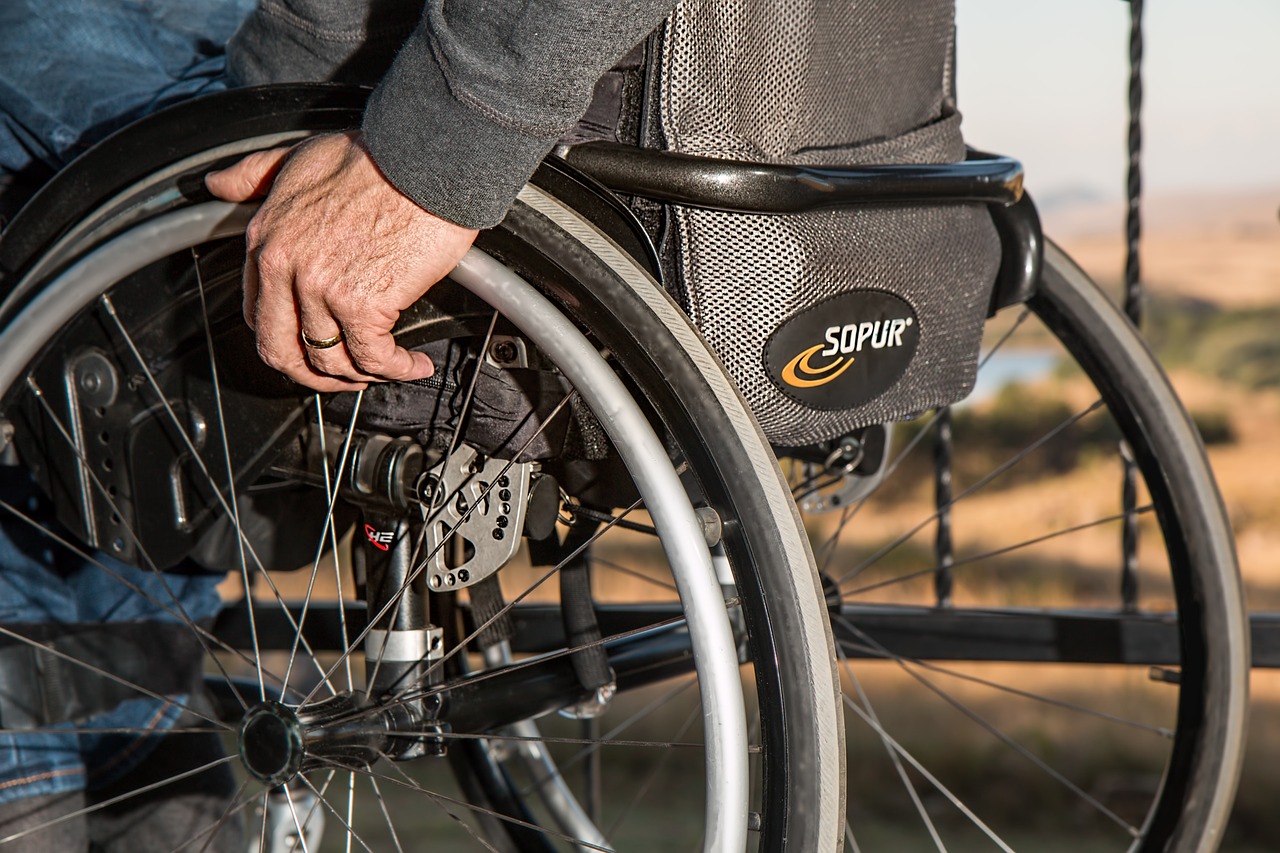
Disabled users: Provides an easy way to alert others if assistance is needed.
Travellers: Offers safety when exploring new places.
Parents: Keeps an eye on kids or teens who might be alone.
Small teams and workplaces: Ensures everyone can get help quickly if needed.
No matter your situation, these solutions are designed to be straightforward and supportive.
Staying Safe Without Complicated Technology
One of the best things about modern lone worker mobile solutions is how simple they are. You don’t need to be tech-savvy to use them. The apps are designed with clear buttons, easy instructions, and helpful reminders.
If you’re worried about complicated setups or confusing features, don’t be. These tools are made to fit into your life smoothly. You just install the app, set up your contacts, and you’re ready.
That simplicity is what makes them so effective. When you need help, you want it fast and easy. No fiddling with settings or searching through menus.
My SOS Family - Here to Support You
At My SOS Family, we understand how important it is to feel safe and connected. Our app is built with care, keeping things simple and reliable. We want you to have peace of mind, whether you’re at work, home, or out and about.
If you want a quick, easy way to call for help, give our app a try. It’s designed to be your steady companion, always ready when you need it.
Remember, safety doesn’t have to be complicated. With the right tools, you can stay secure and confident every day.

I hope this helps you feel more confident about staying safe when you’re alone. If you want to learn more or get started, check out our lone worker safety app. We’re here for you.